





A golf simulator gives beginners a combination that’s difficult to get from a day on the course: repetition and feedback in a controlled environment.
When you are new to the game, the biggest challenge is often working out what just happened. You might hit one shot well, then slice the next one, while barely making contact with the third. On the course or at the range, it’s easy to blame the weather, your lie, or the guy heckling from the clubhouse. But a simulator brings clarity to the learning process. You can hit more balls in less time, see useful shot data after every swing, and start connecting the feel of the shot with what’s actually happening.

Now, this isn’t to say you need to get obsessed with stats and numbers from day one. It just means you can get clear feedback and take guesswork out of the equation.
For beginners, this concept is especially important. Because the earlier you understand basic patterns in your game, the easier it is to build better habits (and avoid bad ones). Over time, that feedback helps you practise with purpose instead of just hitting ball after ball and hoping something clicks.
It’s also true that home golf simulators remove many of the barriers that stop beginners from improving. There’s no need to book a tee time, wait for a dry evening, or feel self-conscious about topping the ball in front of better players. You can practise whenever you want, however you want.
Let’s be clear: golf simulators are not a complete replacement for the real game. You still need to learn decision-making on the course, how to deal with awkward lies, bunker shots, and the inevitable emotional damage of missing a three-footer for par. But when it comes to building confidence and getting regular practice, a simulator is up there with the most beginner-friendly ways to improve.
What Should Beginners Look for in a Golf Simulator?
The best golf simulator for a beginner isn’t necessarily the shiny, most expensive piece of kit with all the tech and gadgets you could ever want. When you’re just getting started, the right setup is usually the one that makes practice simple, fun and repeatable.
At GolfBays we know all about the wonders of advanced data points, ultra-realistic courses and tour-level tech. And trust us, all of those things are as fun as they sound and are brilliant as your game develops. But for a new golfer, the priority should be a setup that helps you hit more balls, understand your swing, and enjoy the process enough to keep coming back.
Here are the main things to look out for…
A Setup That Fits Your Space
Before you start comparing launch monitors, software and enclosure packages, make sure your room can actually handle a golf swing. Ceiling height, room width, room depth and the position of nearby walls all matter.
A beginner-friendly simulator setup should give you enough space to swing freely without feeling like you are about to redecorate the ceiling with a 7-iron. If you feel cramped, you will naturally change your swing, which makes practice less useful.
For many home users, a garage, spare room, garden room or outbuilding can work well. The key is choosing a setup that suits the space you have, rather than trying to force a commercial-style simulator into a room that was never built for it.
Safe and Reliable Impact Protection
We admit, this isn’t the most glamorous part of a simulator setup, but it is one of the most important. Everyone mis-hits the occasional shot, but beginners do it with a little more… creativity.
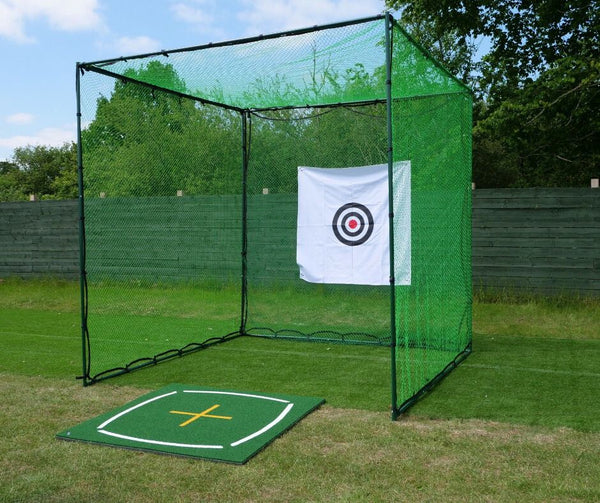
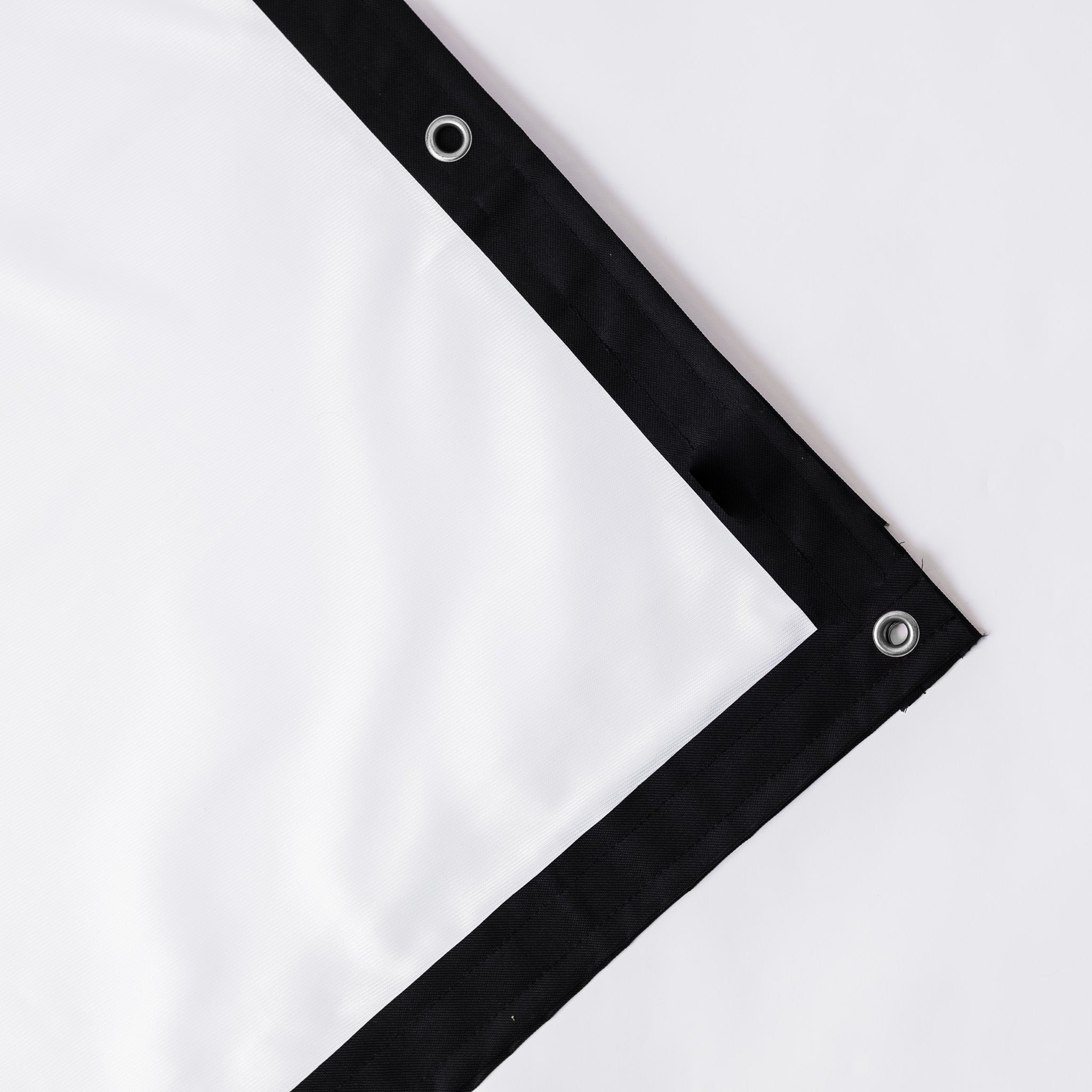
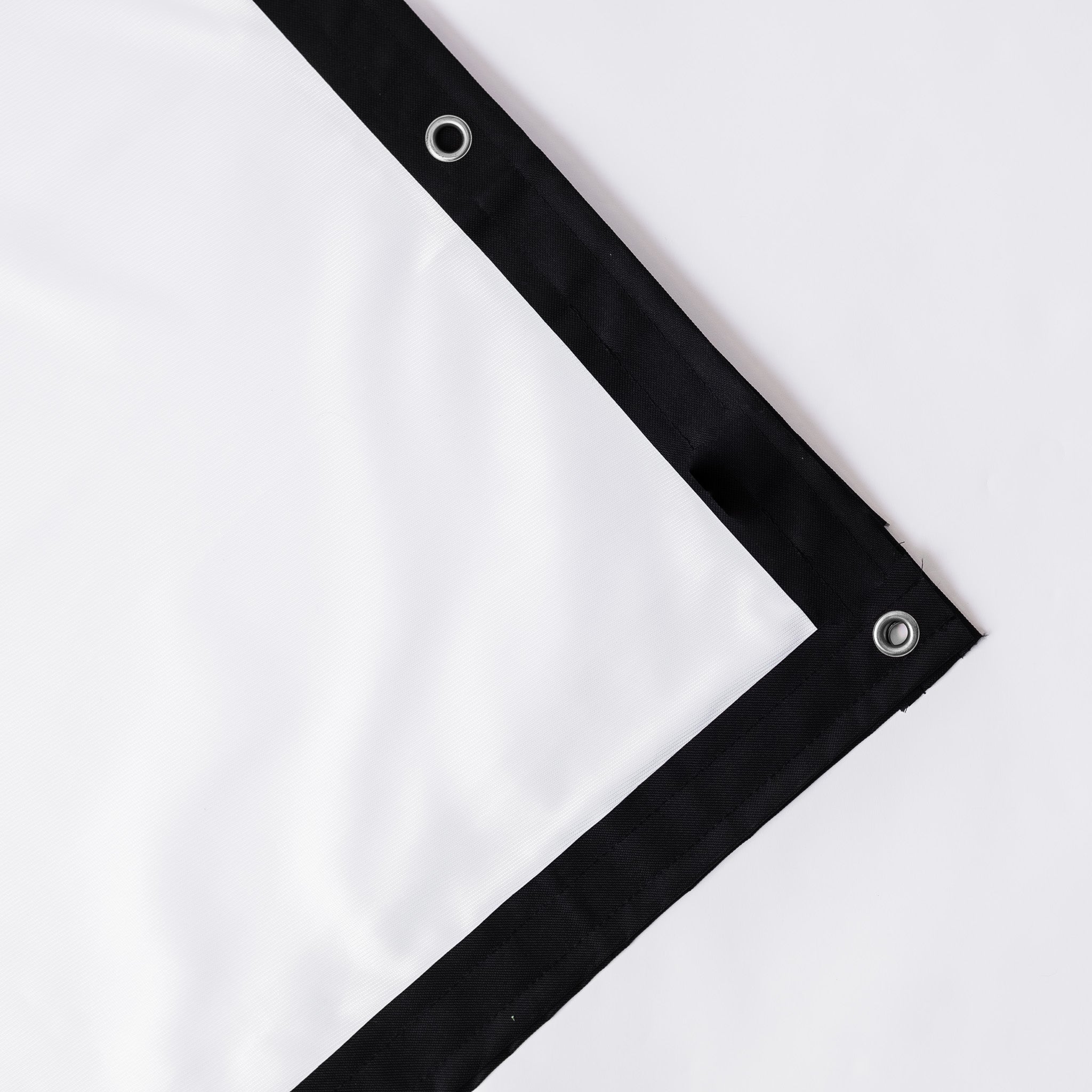
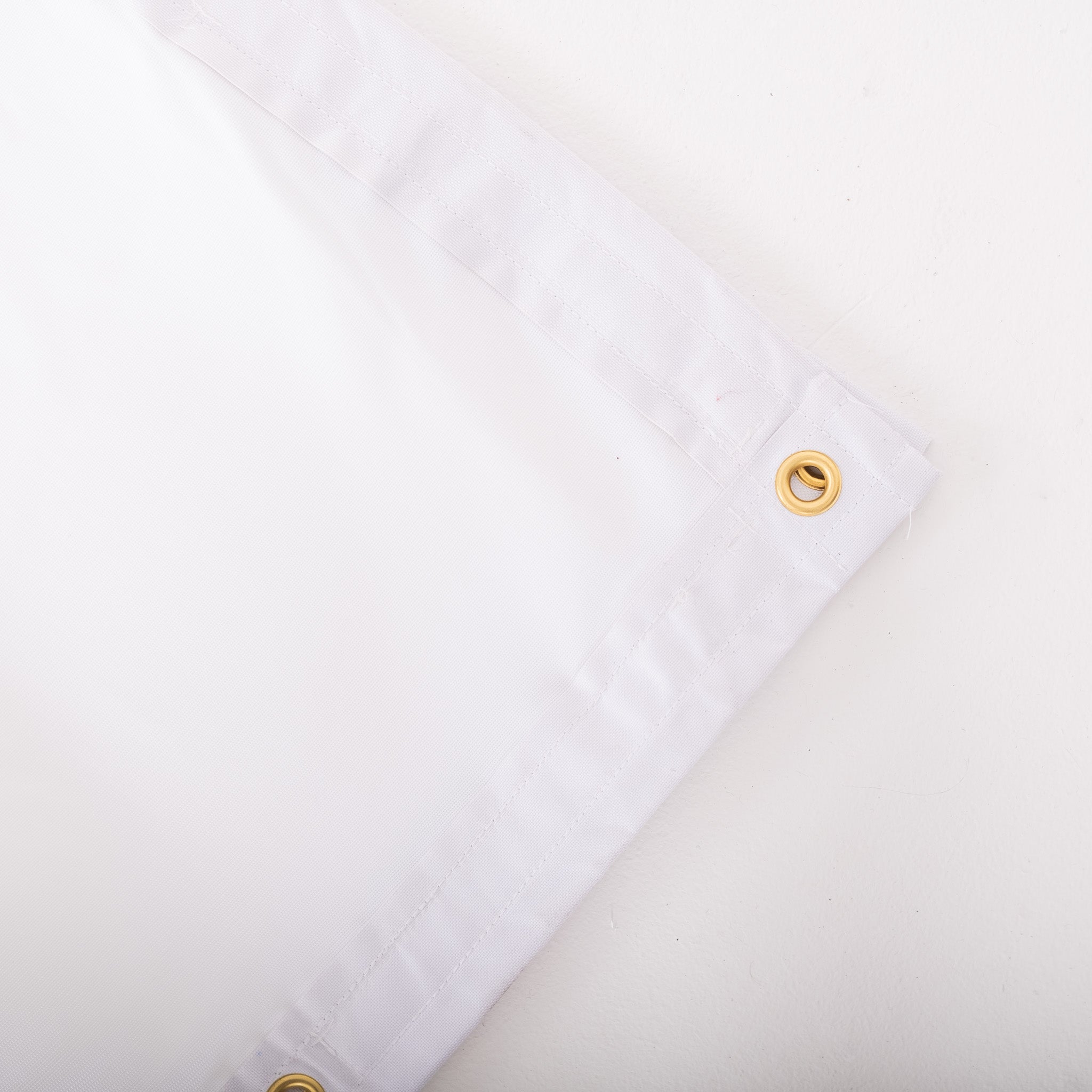
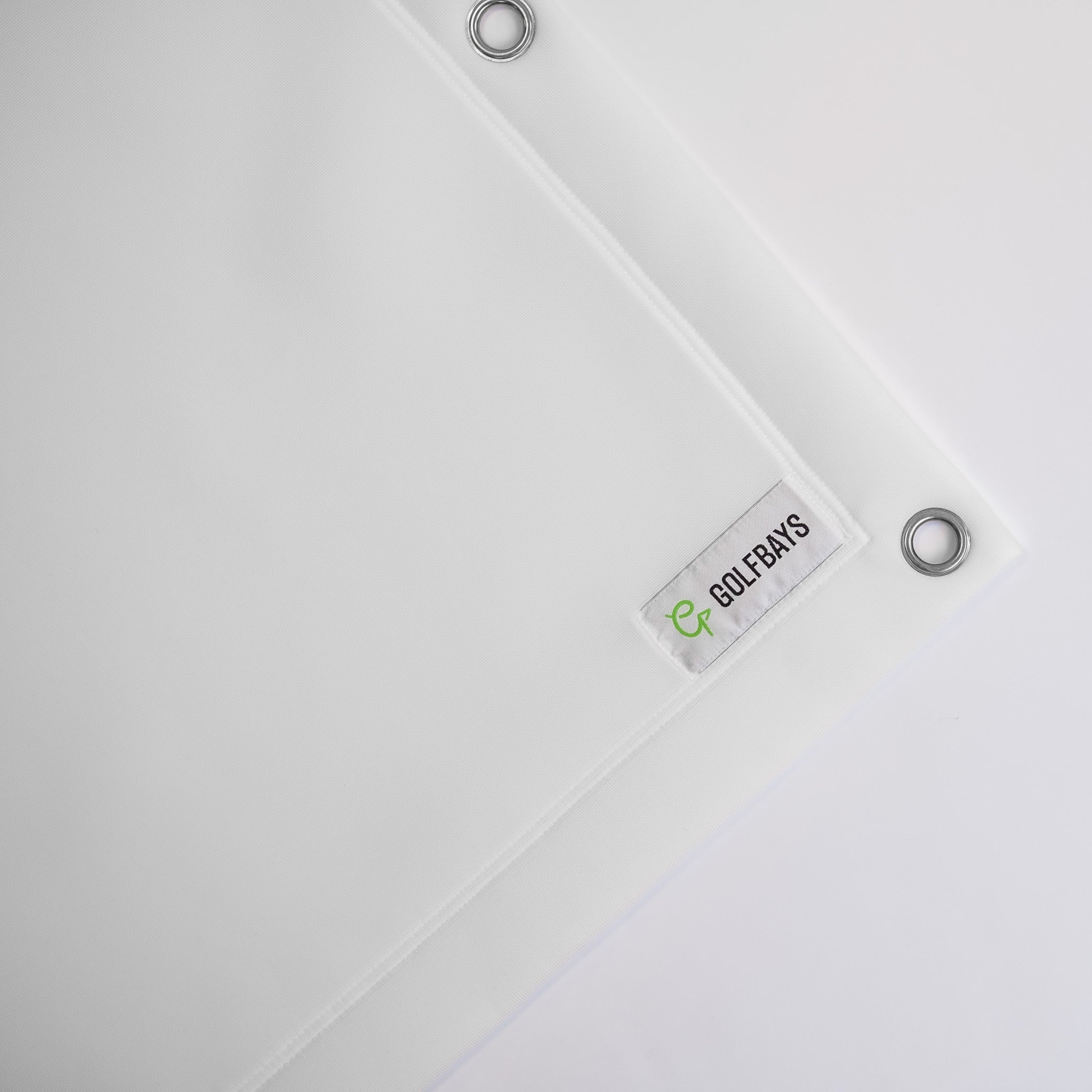
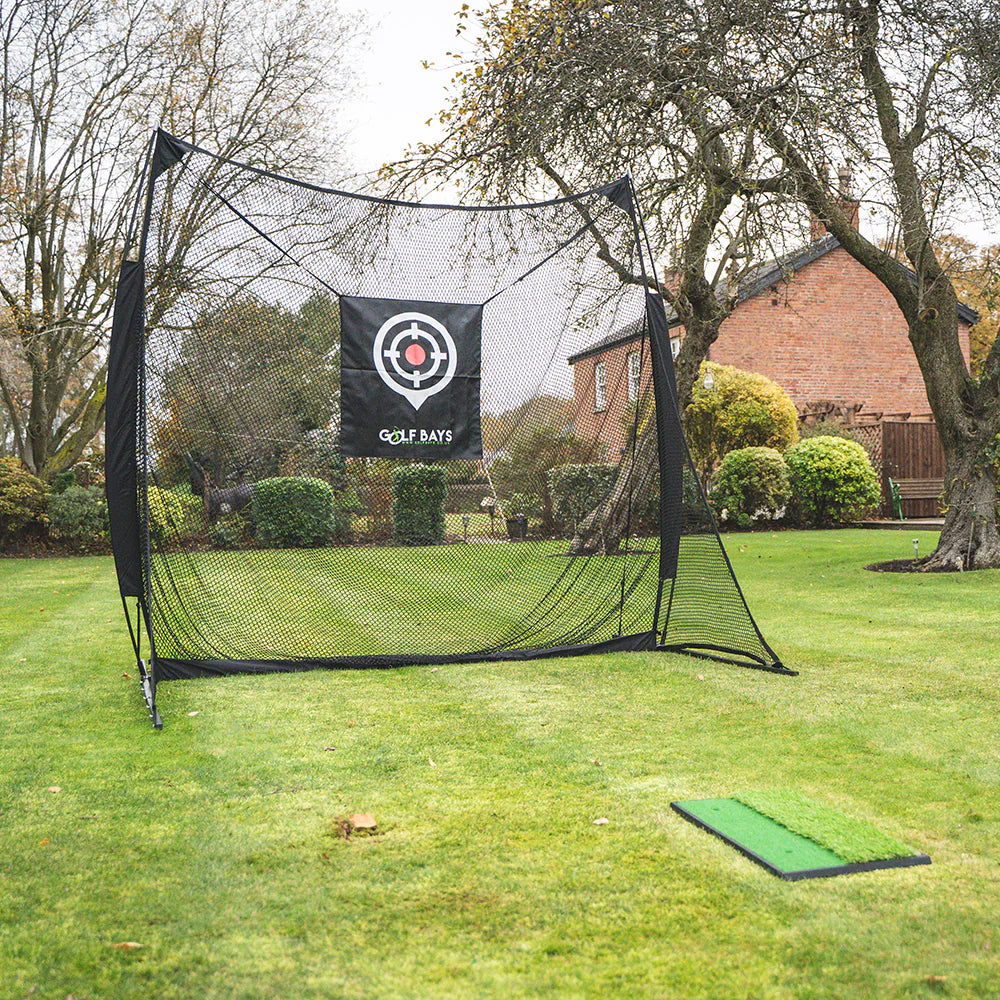
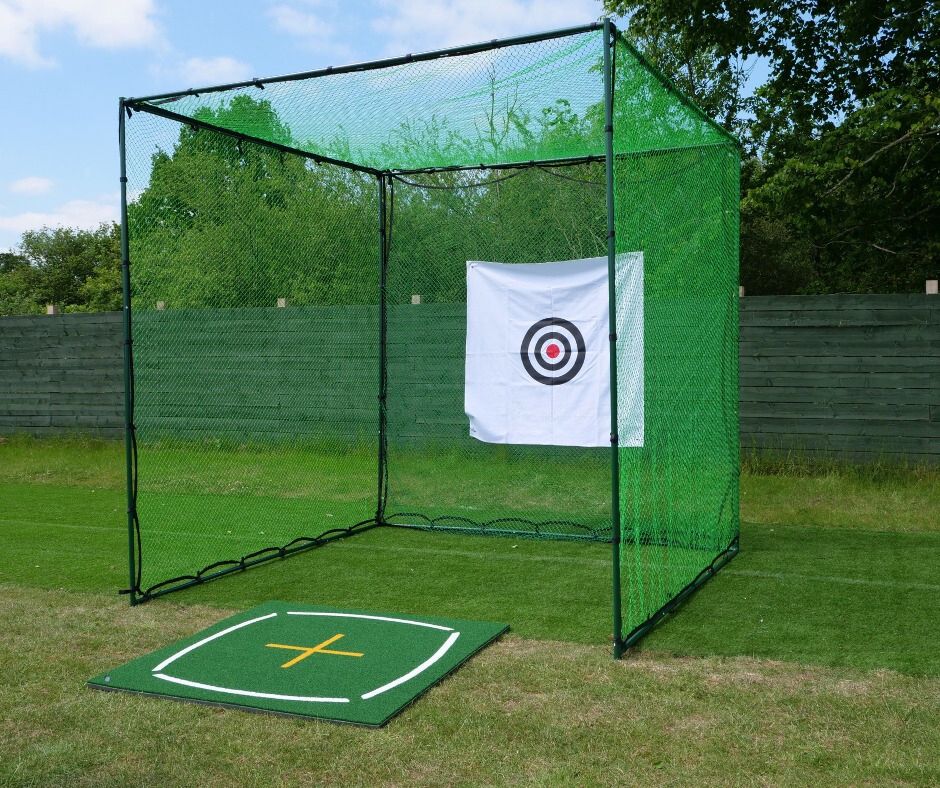
That means you need a safe hitting area, a reliable impact screen or net, and enough side protection to catch the strikes that don’t go where physics politely requested. A proper enclosure - like our SimBox - can make a big difference here, especially if you are setting up indoors and want the reassurance that your walls, windows and family members are not in the firing line.
Clear Feedback You Can Work With
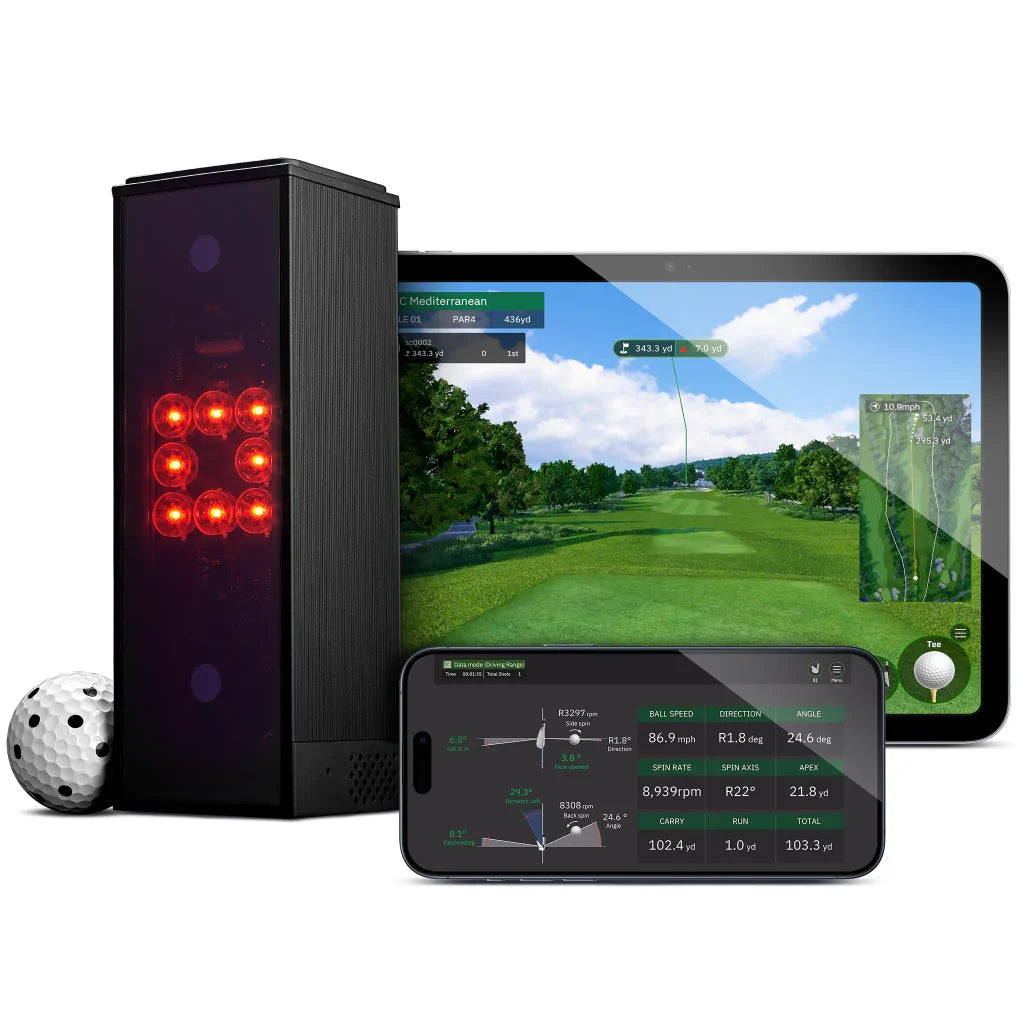
Launch monitor data is one of the biggest advantages of using a golf simulator, but for beginners, it can become a little more than you actually need. To begin with, the most useful data is usually the simplest. The basic questions you want to answer are:
-
How far did the ball carry?
-
Did it start left, right or straight?
-
Did it curve?
-
Was your launch angle too low or too high?
-
Are your distances consistent from shot to shot?
As your swing improves, you can start paying more attention to extra data points. The goal is to understand your shot patterns well enough to practise with purpose.

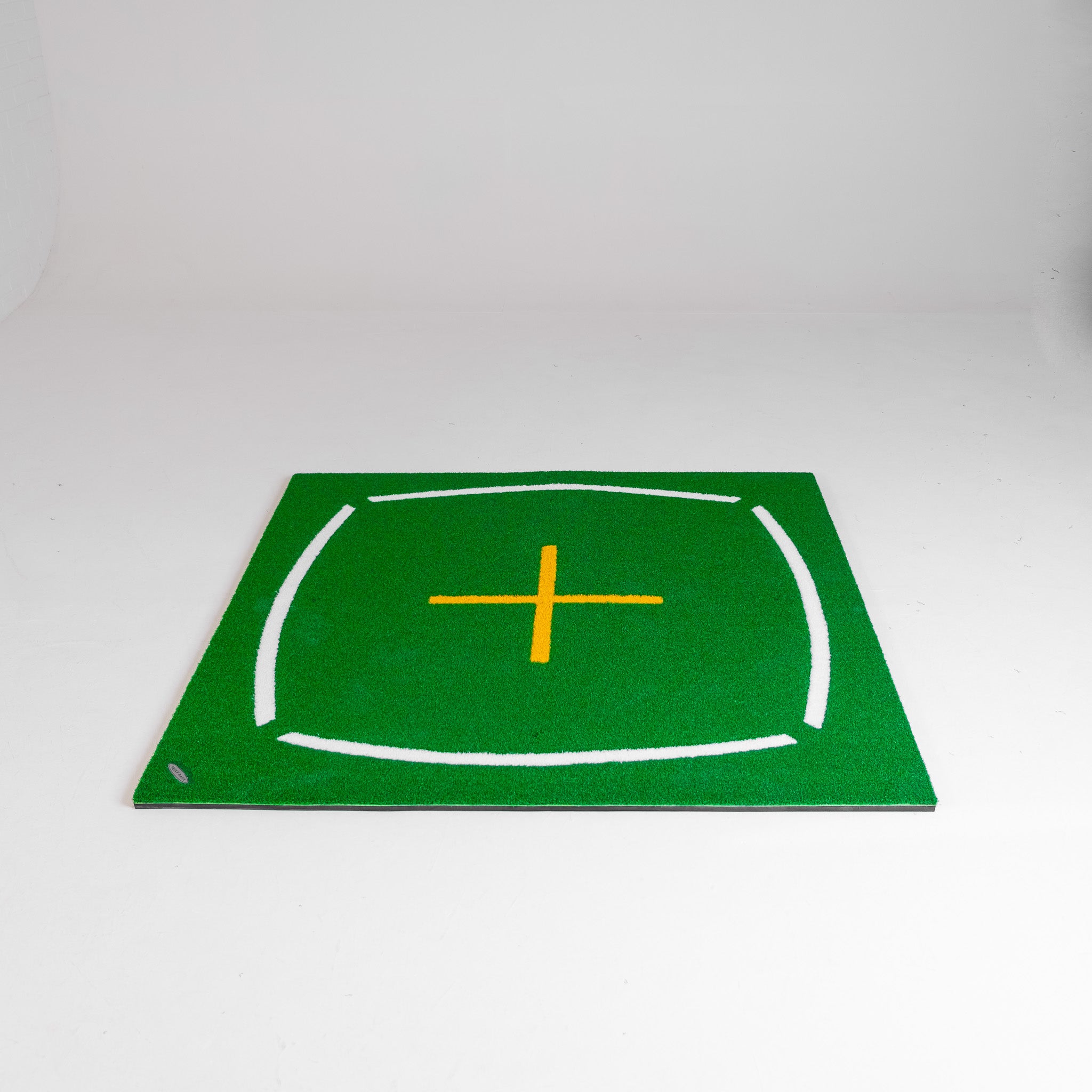
Get Yourself a Good Hitting Mat
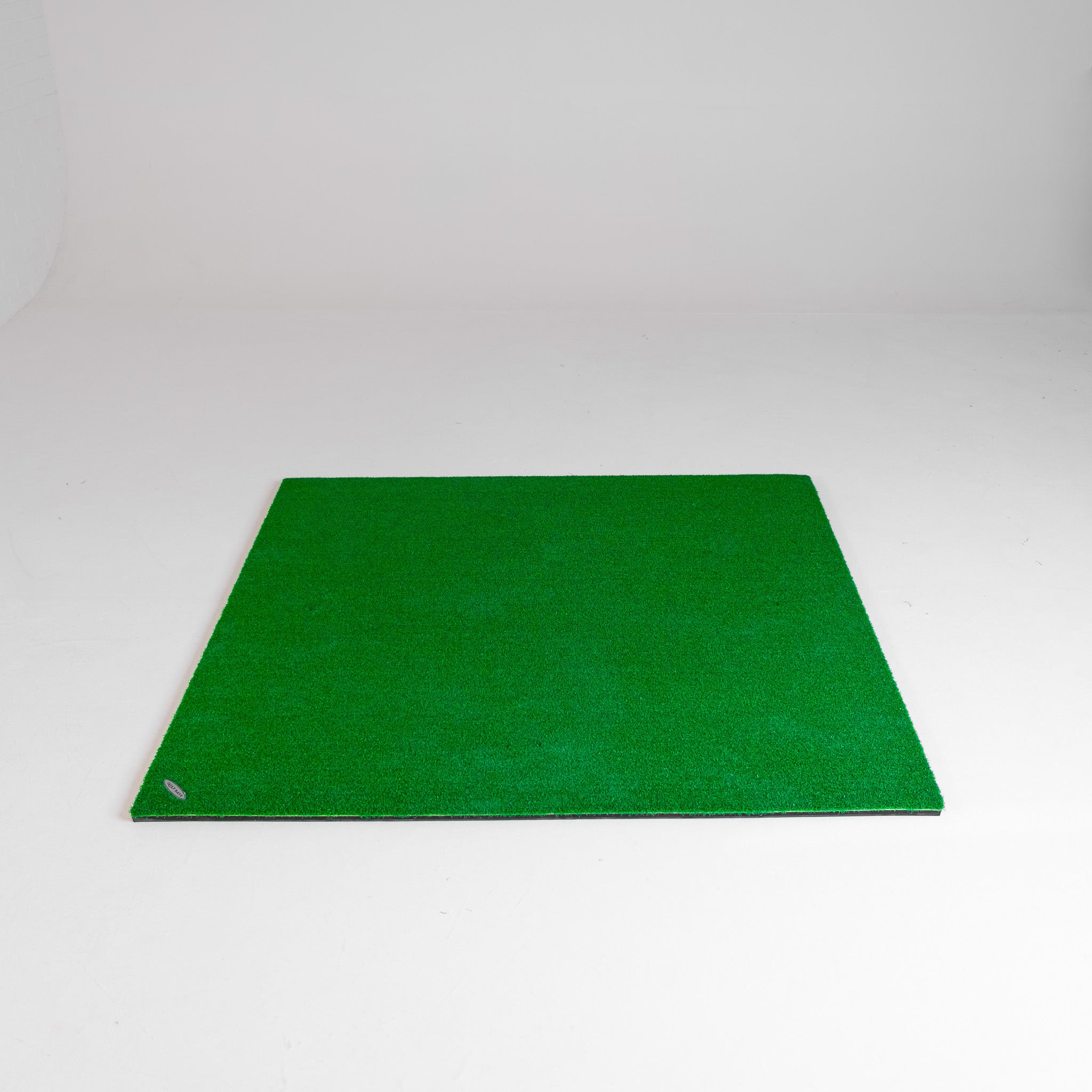
Think of your hitting mat as the permanent lie you’ll have to work with. A poor-quality mat can make indoor practice feel a brutal combination of harsh, unrealistic and uncomfortable. It can also punish your wrists and elbows if you are hitting a lot of shots, especially while you are still learning to strike the ball cleanly.
For beginners, a good golf mat should feel stable underfoot, give realistic feedback and cope with regular use. Unlike simulator tech more broadly, this is one area where going for the cheap option can be false economy. If the mat feels awful, you could hurt yourself and will practise less. And when that happens, your simulator becomes little more than expensive furniture.
Software That Keeps You Coming Back
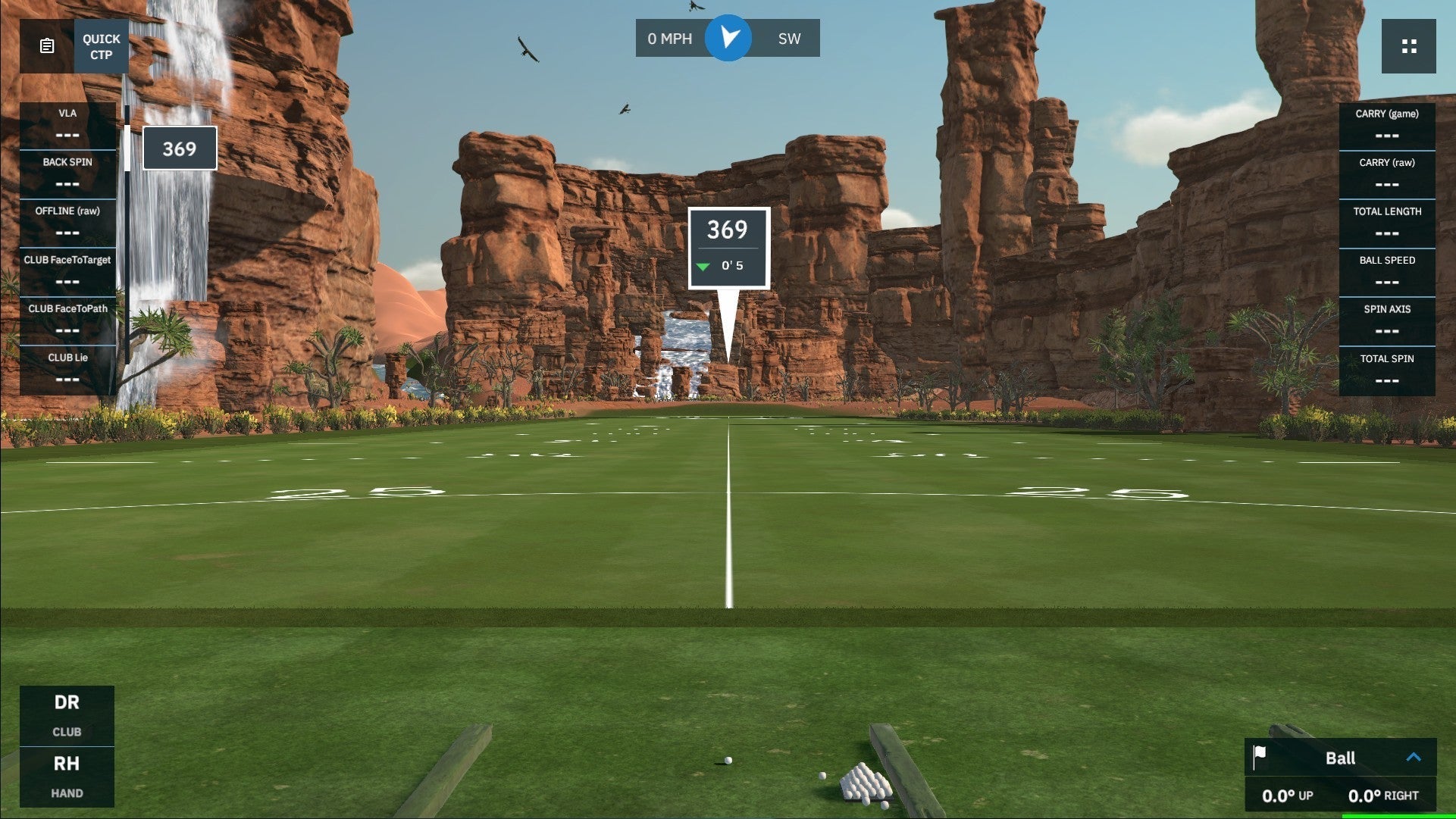
Beginners need a simulator experience that feels engaging rather than intimidating. Some golfers want detailed practice modes and data analysis. Others want to play on famous courses, compete with friends, or make winter practice a little less…wintery.
The right software for you depends on how you plan to use your setup. Prioritising practice? Look for clear range modes and actionable feedback. If you want entertainment as well as improvement, opportunities for course play and a variety of game modes may be more important.
The best beginner setup is one that gives you enough realism and progression to stay motivated without making every session feel like a science class.
Room For The Future
You don’t have to buy your forever setup on day one. A sensible beginner golf simulator should give you a strong foundation and room to upgrade (your game and the tech) over time.
That might mean starting with a launch monitor, mat and net before moving towards a full enclosure. Or it might mean choosing a simulator package that gives you the essentials now, with the option to upgrade your launch monitor, software or accessories later.
A big mistake we often see is people buying random pieces of kit that don’t work well together or suit their needs. A good setup should feel joined-up from the start, even if you decide to upgrade parts of it as your game improves.
Do Beginners Need a Launch Monitor or a Full Golf Simulator Package?
The honest answer is: it depends on how you want to practise, how much space you have, and whether you want a simple training setup or an indoor golf simulator experience.
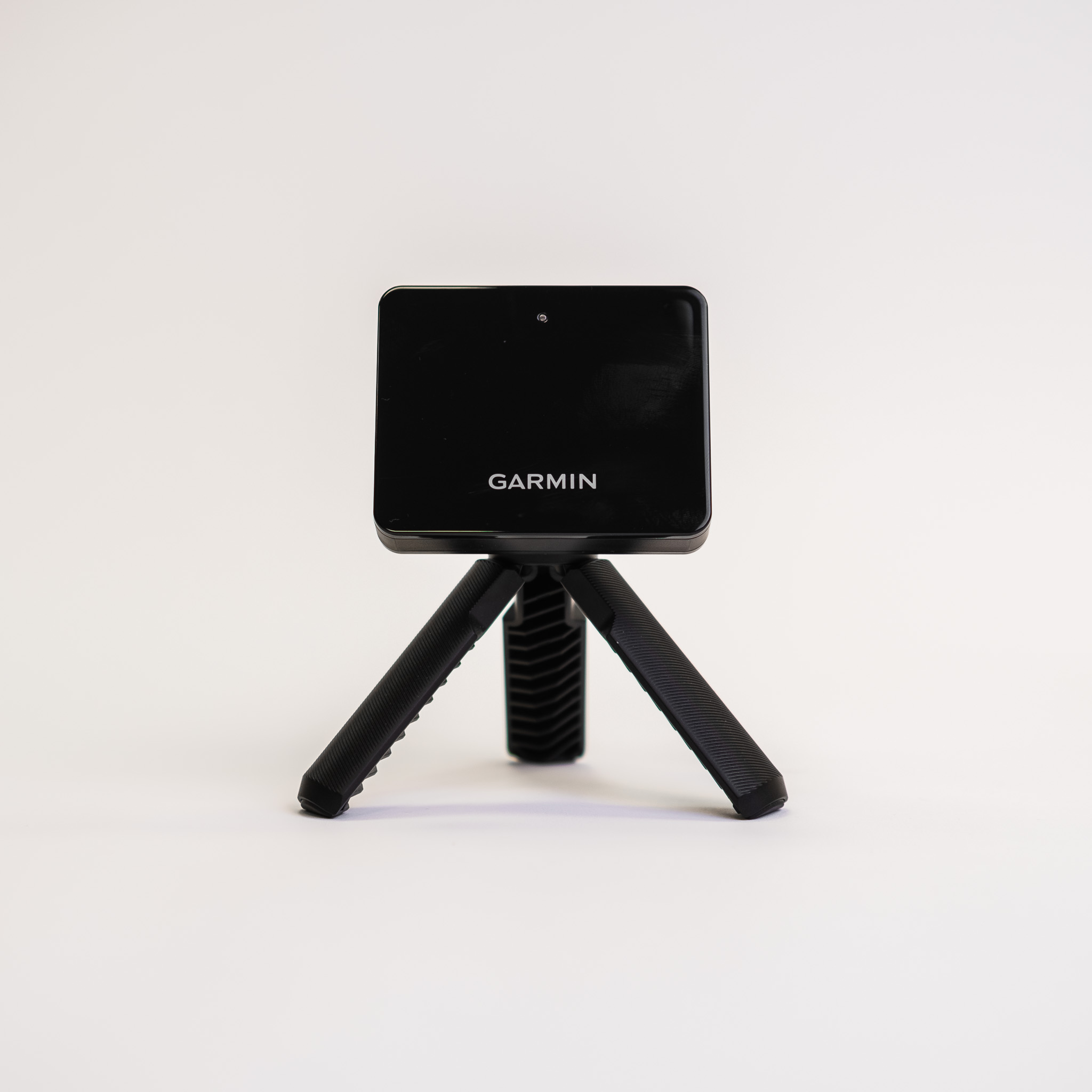
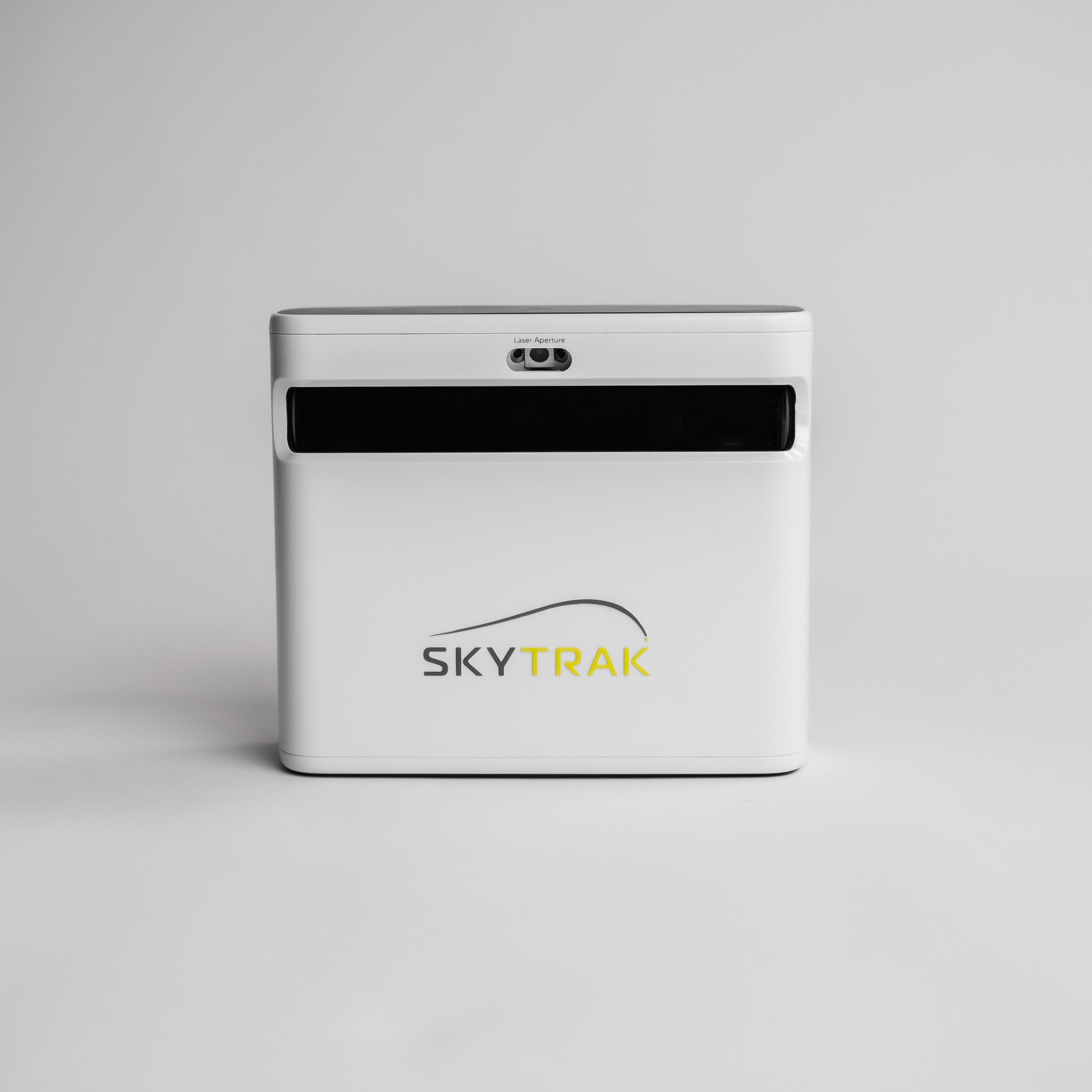
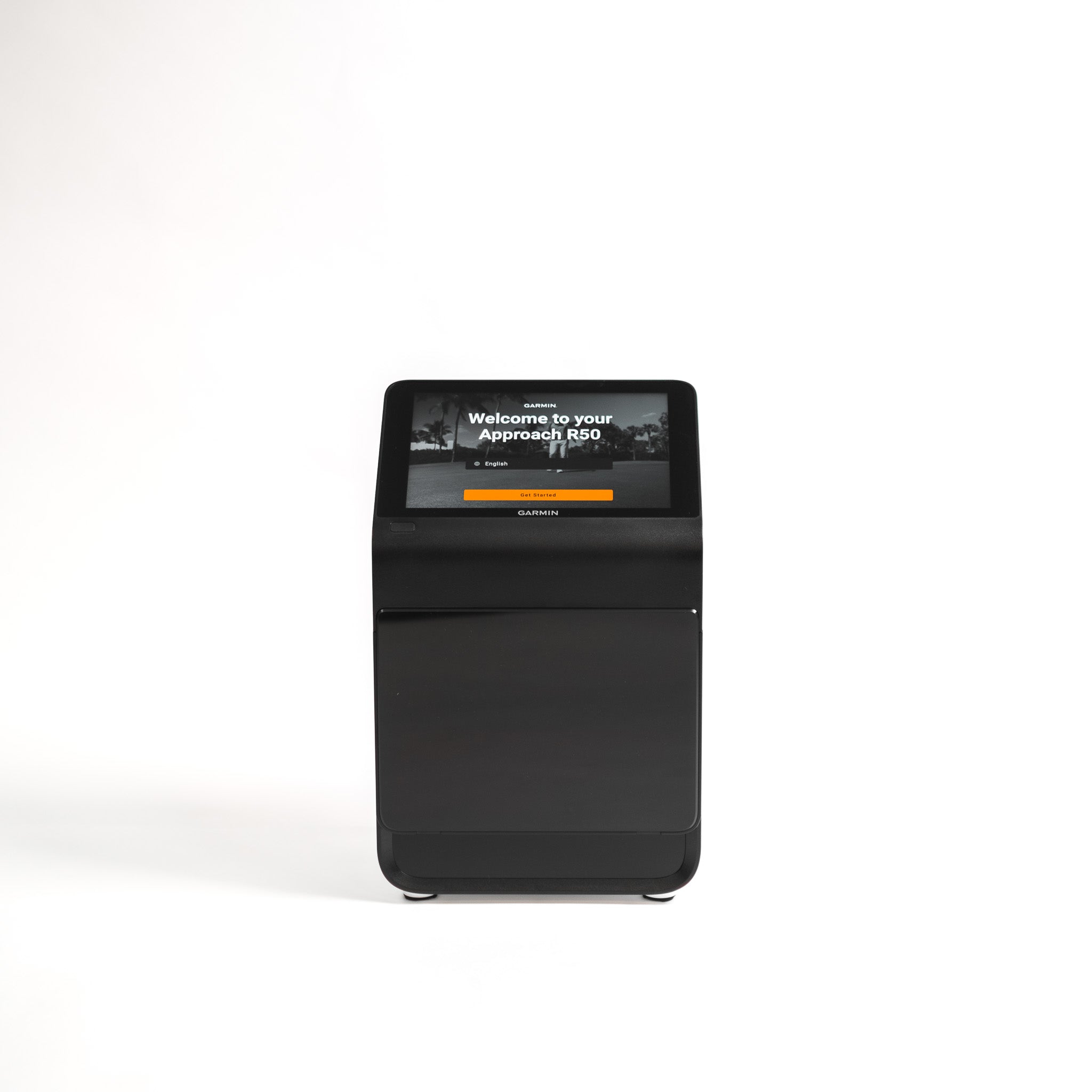
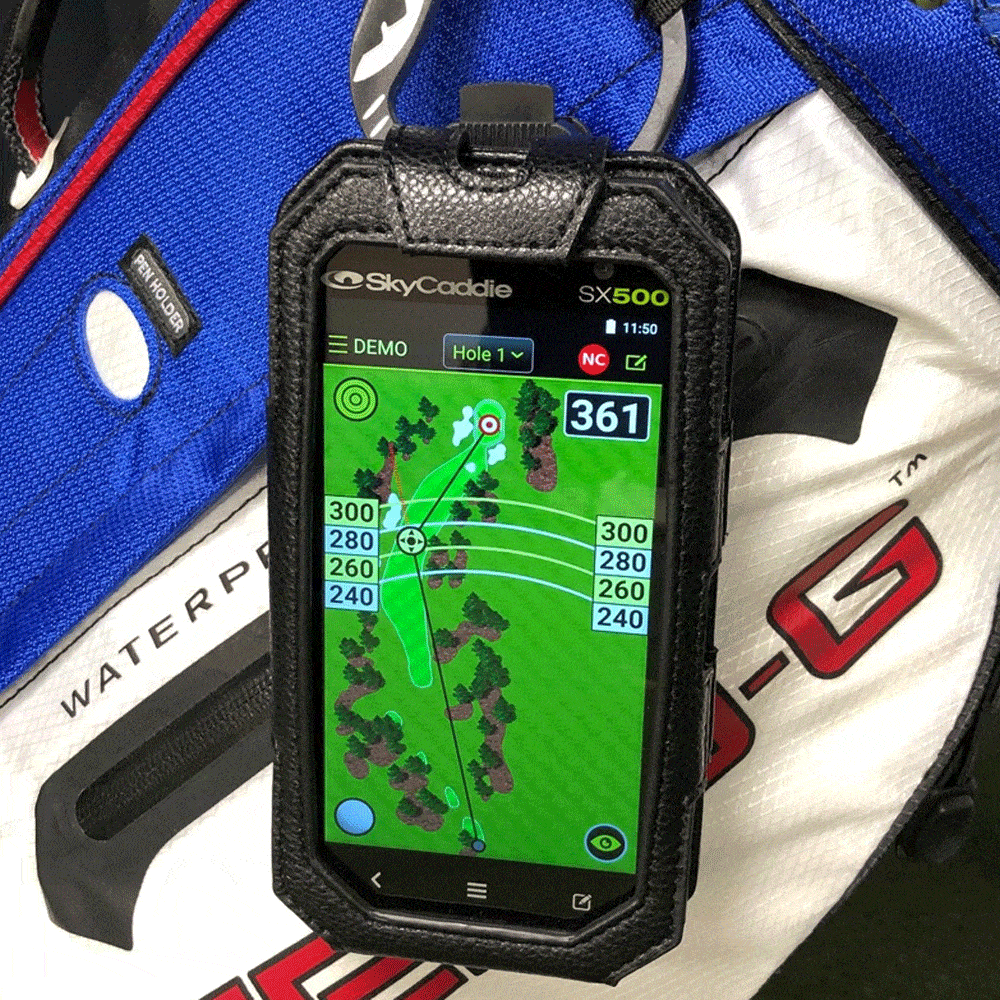
A launch monitor is the technology that measures what happens when you hit the ball. Depending on the model, it can track data such as carry distance, ball speed, launch angle, spin, shot direction and other useful numbers. For beginners, that feedback can be incredibly helpful because it turns practice from guesswork into something more structured.
But a launch monitor on its own is not the whole setup. You still need somewhere safe to hit, a good mat to stand on, enough room to swing, and usually a net or impact screen to catch the ball. This is where a lot of beginners get caught out. They buy the exciting bit first, then realise they still need the rest of the environment around it.
So the real question is whether you want to build your setup piece by piece, or whether you want to get a complete golf simulator package that’s designed to work together from the start?
For some beginners, starting with a launch monitor, mat and net makes perfect sense. It gives you useful data, keeps the setup relatively simple, and lets you practise at home without committing to a full enclosure straight away. This can be a good route if you are working with limited space, testing how often you will actually practise, or want something that can also be used outdoors.
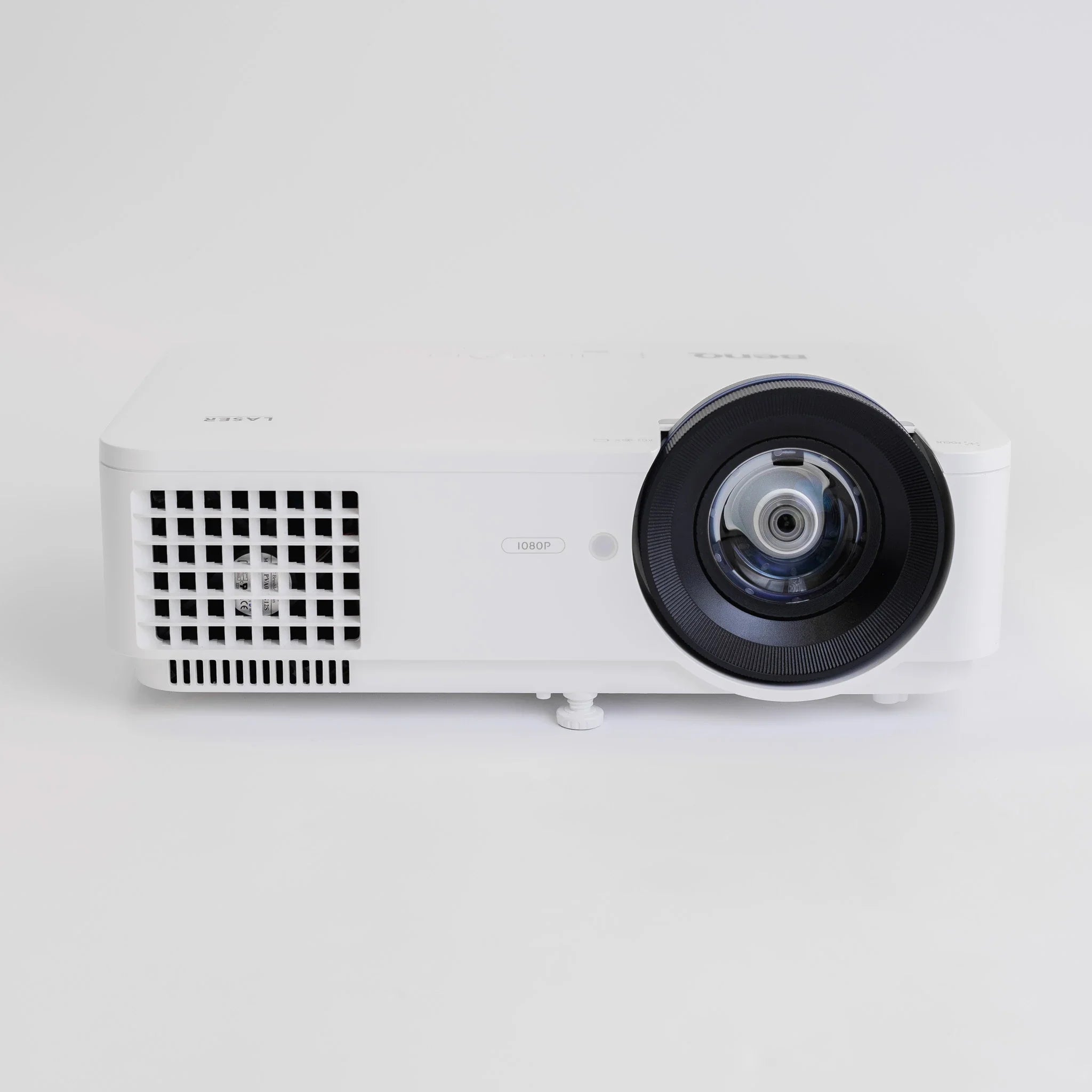
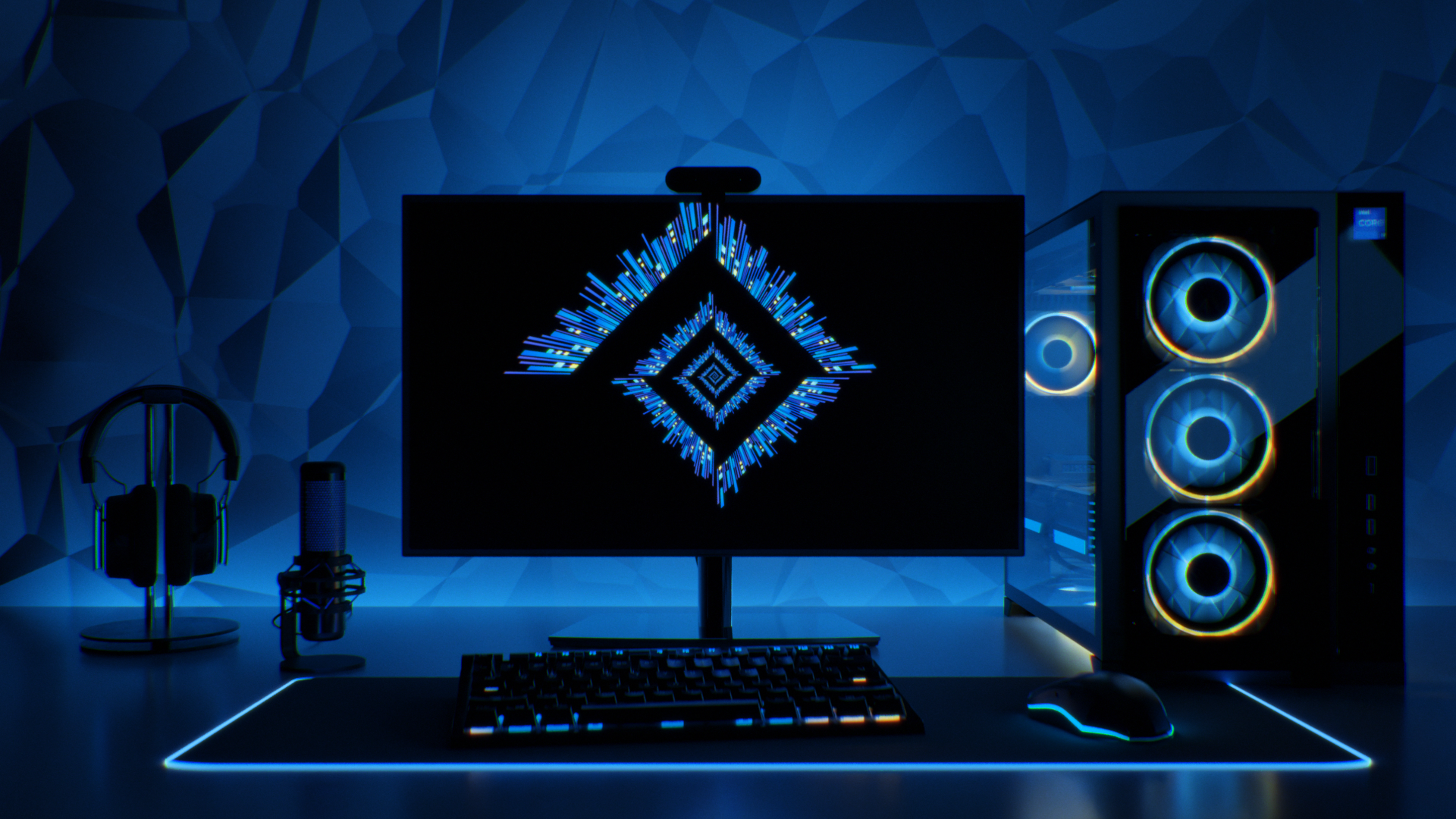
A full golf simulator package is the better option if you want a more complete, immersive setup from day one. Instead of piecing everything together yourself, you get the core components matched around a proper hitting environment: enclosure, impact screen, mat, launch monitor and, depending on the package, projector and software options.
You can check out our popular packages here >
For a beginner, that can remove a lot of uncertainty. You are not trying to work out whether one part will fit with another, whether the screen is suitable, or whether your setup is going to feel like a serious practice space or a slightly nervous experiment in the garage.
Here is the simple way to think about it:
| Setup type | Best for | Main advantage | Watch out for |
|---|---|---|---|
| Launch monitor only | Golfers who already have a safe hitting area | Lower starting cost and useful shot data | You still need a mat, net or screen, and enough space |
| Launch monitor, mat and net | Beginners who want simple home practice | Practical, flexible and easier to set up | Less immersive than a full simulator |
| Full golf simulator package | Beginners who want a complete indoor setup | Components are designed to work together | Needs more space and a higher initial budget |
| Premium simulator setup | Serious players, coaches and commercial venues | Better data, realism and long-term capability | Usually more than most beginners need at the start |
For most new golfers, the best choice is the setup you will actually use.
That said, buying too cheaply can be a false economy. A poor mat, flimsy net or badly matched setup can make practice frustrating, uncomfortable or unsafe. The sweet spot for beginners is usually a setup that feels simple now, but does not box you in later. You want enough quality to enjoy using it, enough feedback to learn from it, and enough flexibility to upgrade when your game improves.
Our final tip is an important one: Try to avoid buying isolated pieces of equipment without a plan. A beginner-friendly golf simulator should feel joined-up: the space, mat, screen, enclosure, launch monitor and software all need to make sense together. Get that right, and your setup becomes something you can grow into rather than something you outgrow after a few months.

How to Get Started With a Golf Simulator: The Next Steps
The bottom line is that anyone can benefit from a golf simulator – from an absolute beginner to a top pro. That’s the beauty of these things. They work for everyone. Analyse your swing, improve your game and do it all to fit in around your schedule.
Playing golf in the great outdoors takes all the beating. To ensure you maximise the experience and shoot the best possible score every time you head out on the course, however, if you’ve been able to learn the basics and gain confidence as a player - courtesy of your home-installed golf simulator - rest assured, this will really get you in the swing.
To check out our comprehensive range of high-quality, competitively priced golf simulators and launch monitors, click here.
Or contact us at sales@golfbays.com for your free, no-obligation quote.